 en
en

Sales stagnation settings
Documentation contents
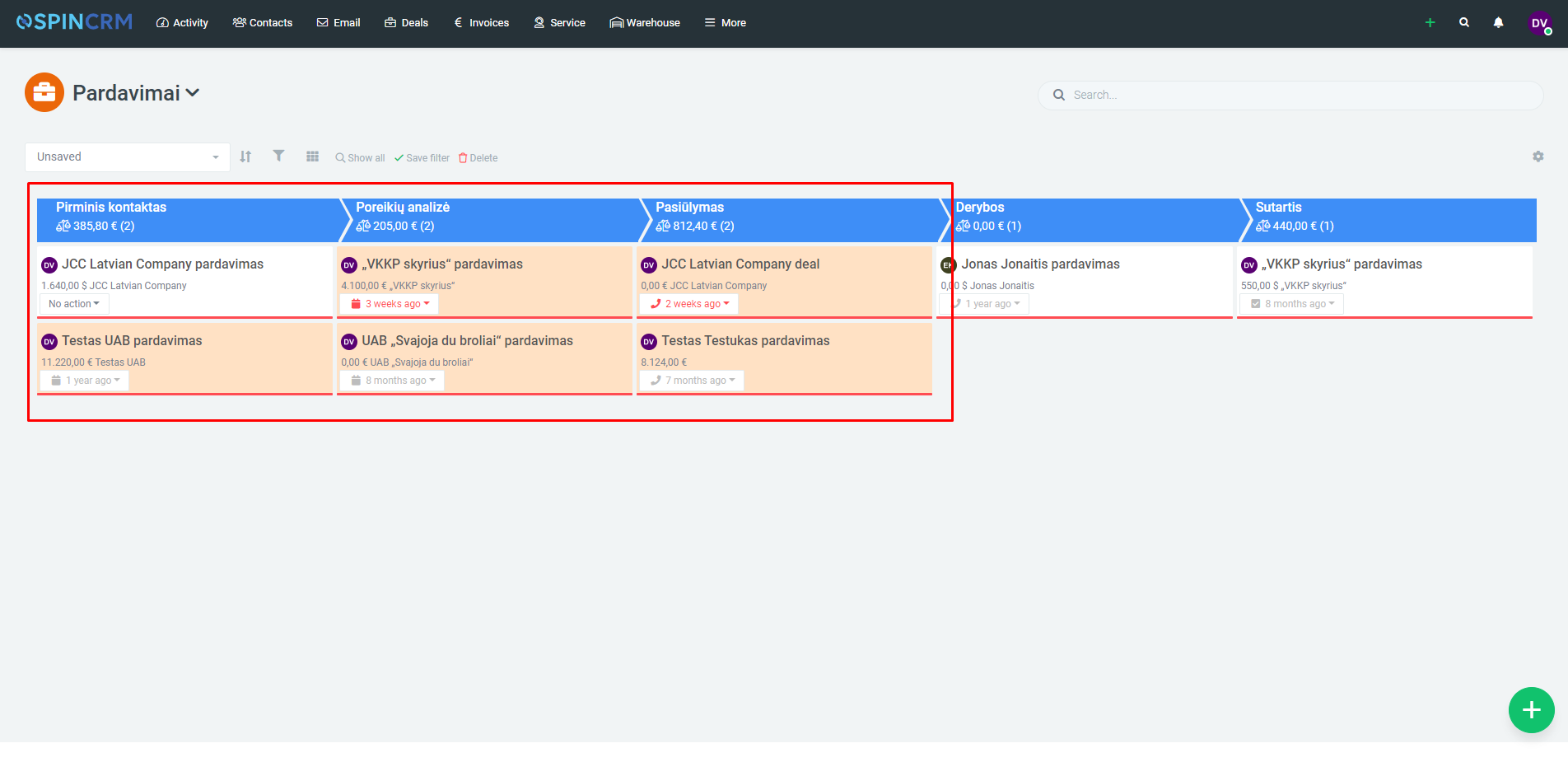
In addition to keeping track of sales that are currently active, you can also see sales that have “stagnated” at some point for a while longer than they should. In other words, it is possible to set a specific number of days, after which the stagnation of sales will be reported without a change of phase. To track this, follow these steps:
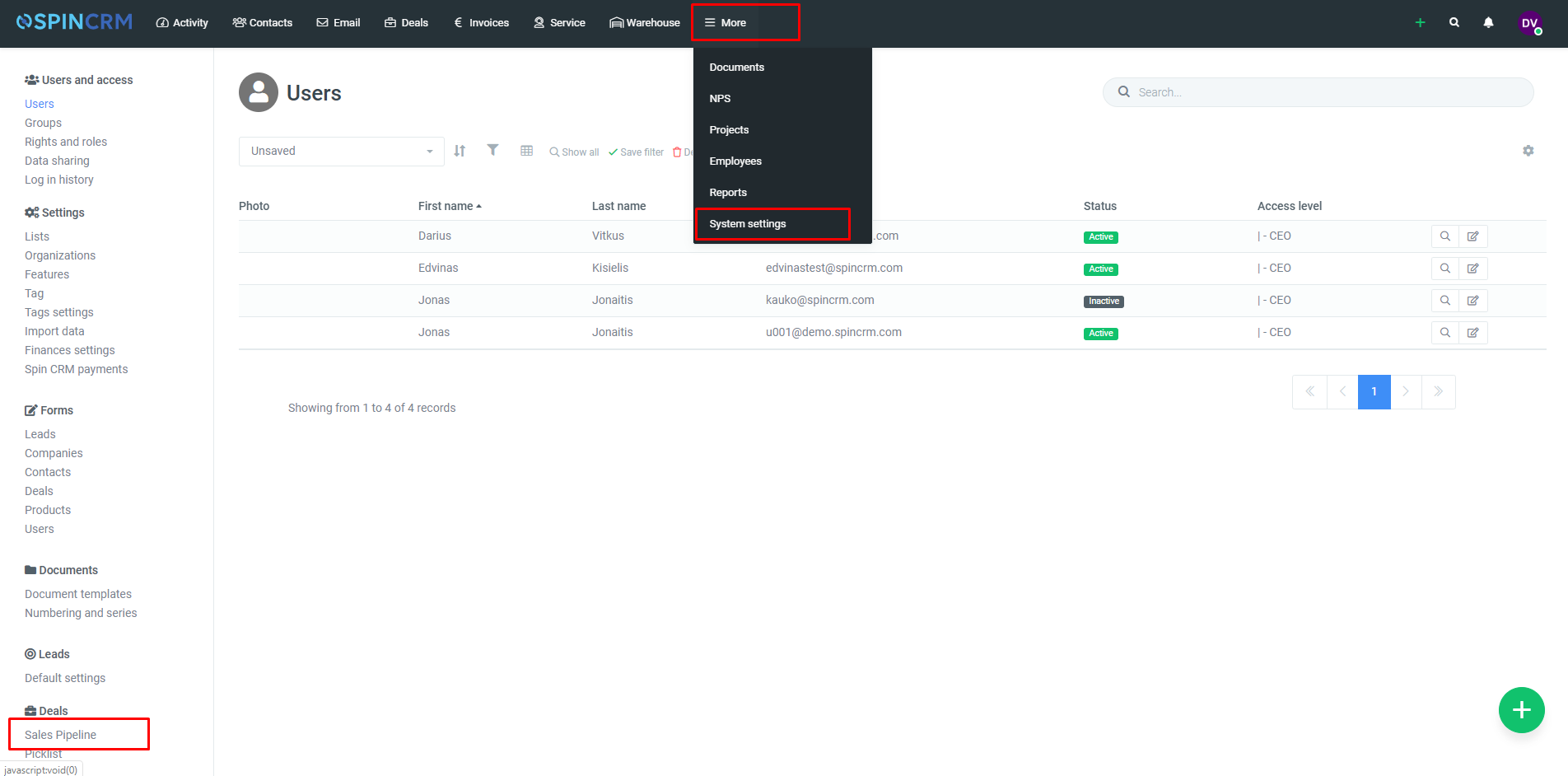
1.In the top menu, next to the More menu item, select System Settings;
2.Select Sales Pipeline in the left-hand settings menu;
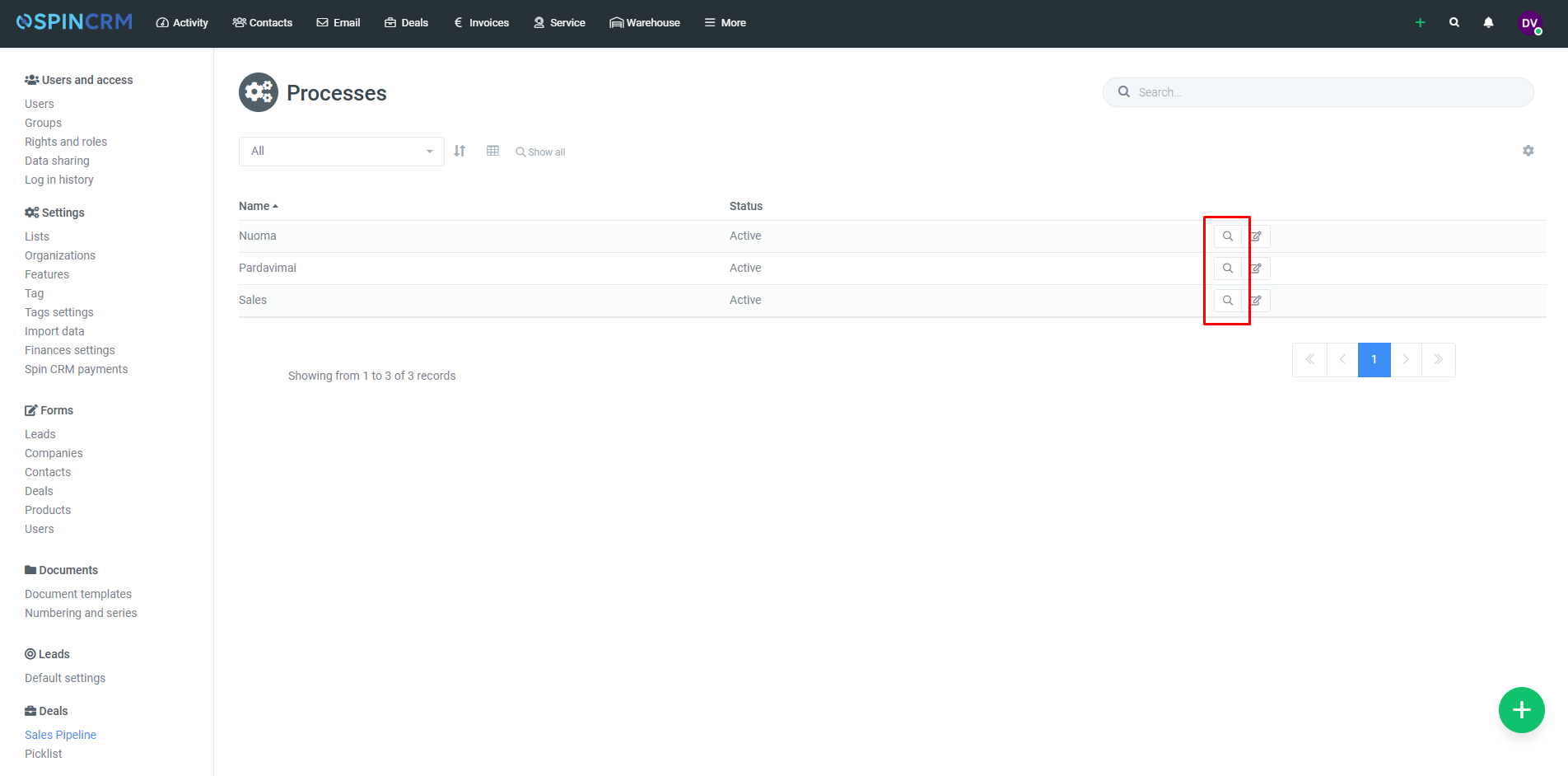
3.In the Sales Pipeline window, select the sales funnel you want and open its settings window;
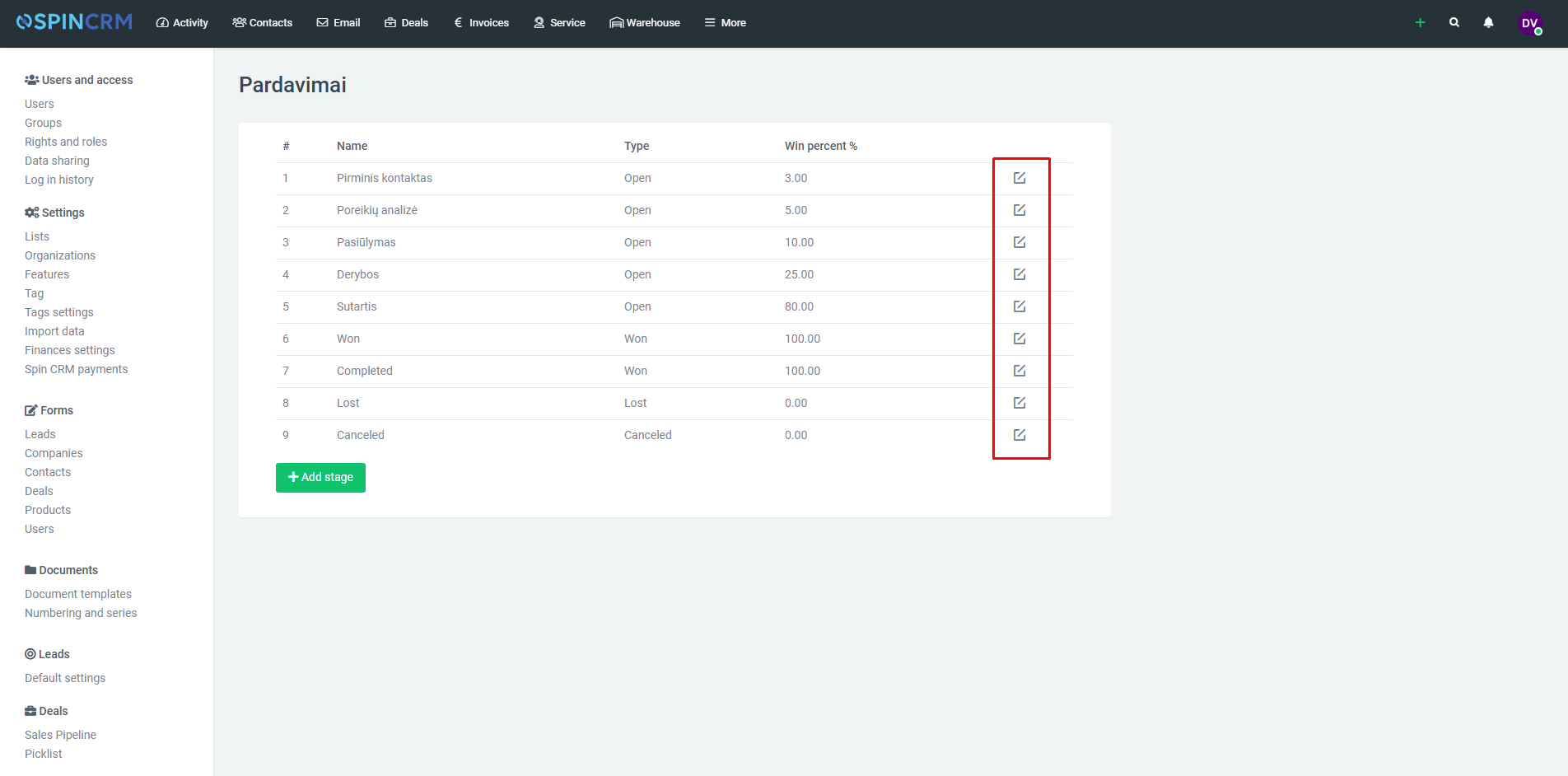
4.In the Selected Sales Pipeline window, select and edit wanted stage of pipeline;
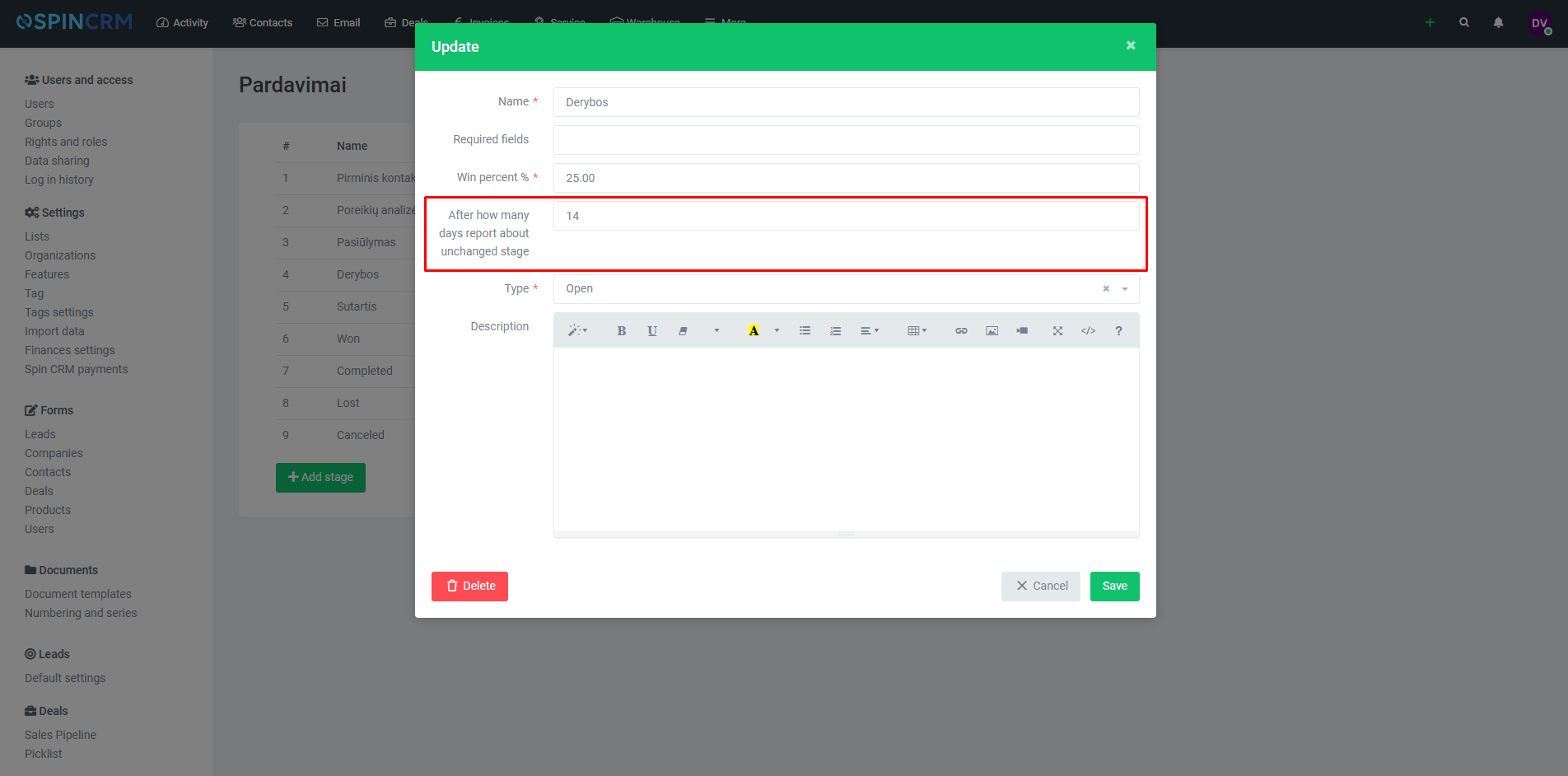
5.In the window that opens, enter the number of days you want to report in the “After a few days report unchanged stage” field, after which sales will change to red without changing the stage of sale;
6.After the specified number of days, the sales window will turn red;
Did not find your answer? Write to us