 en
en

Data export
Documentation contents
How to export leads from Spin CRM?
To export leads, follow these steps:
1.Open Lead window;
2.Click the settings icon on the right above the leads list;
3.In the pop-up menu, click Export Data;
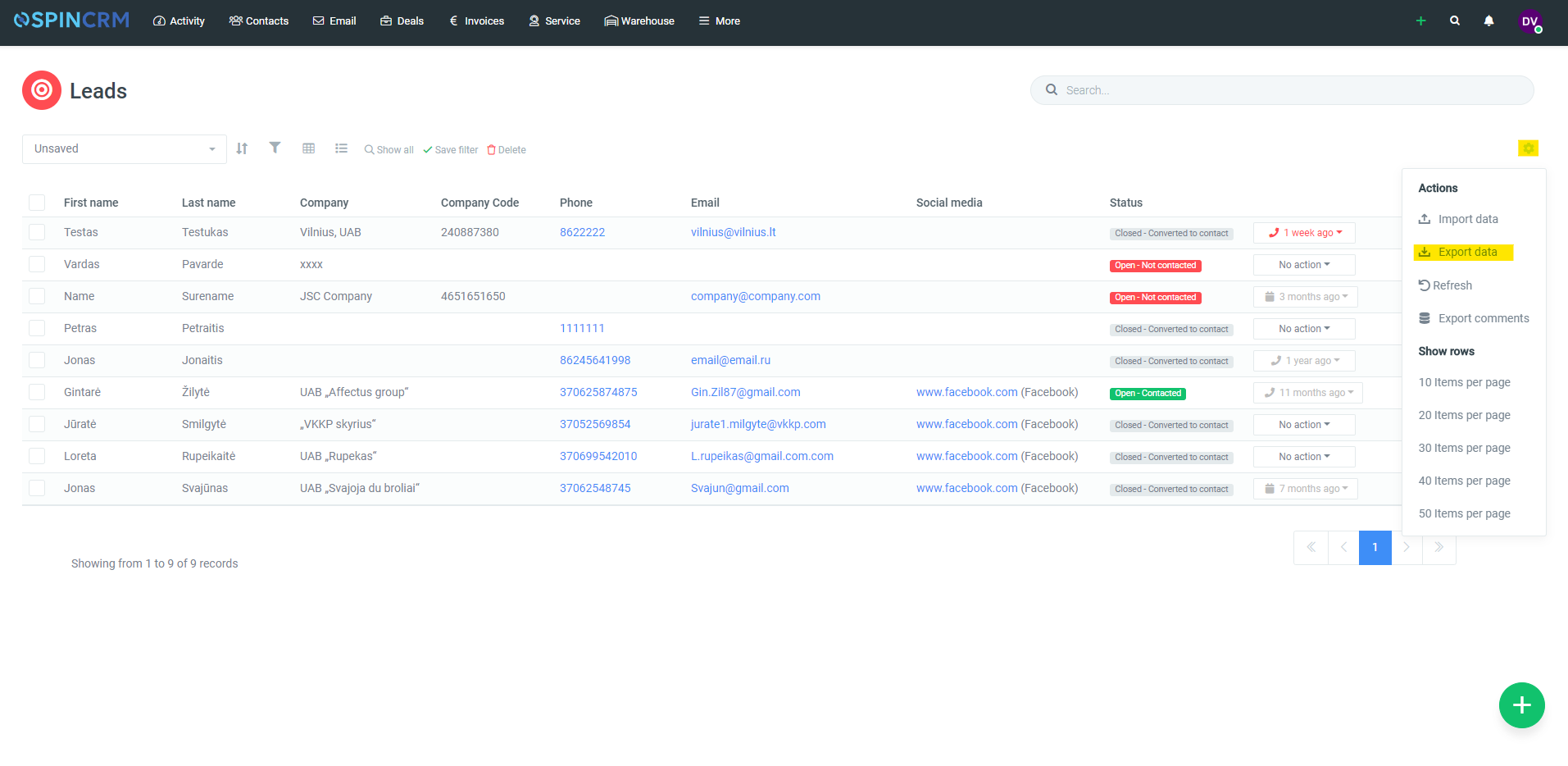
4.Data will be exported according to the filters you have selected.
Did not find your answer? Write to us