 en
en

QR code
Documentation contents
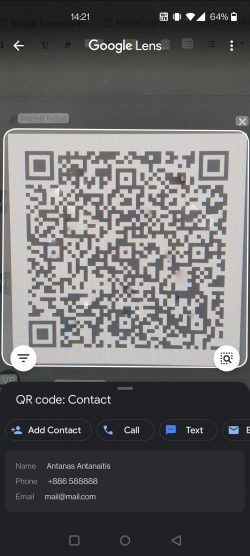
Scan the QR code on the contact card and automatically transfer the contact data to your phone!
To use the QR code functionality, follow these steps:
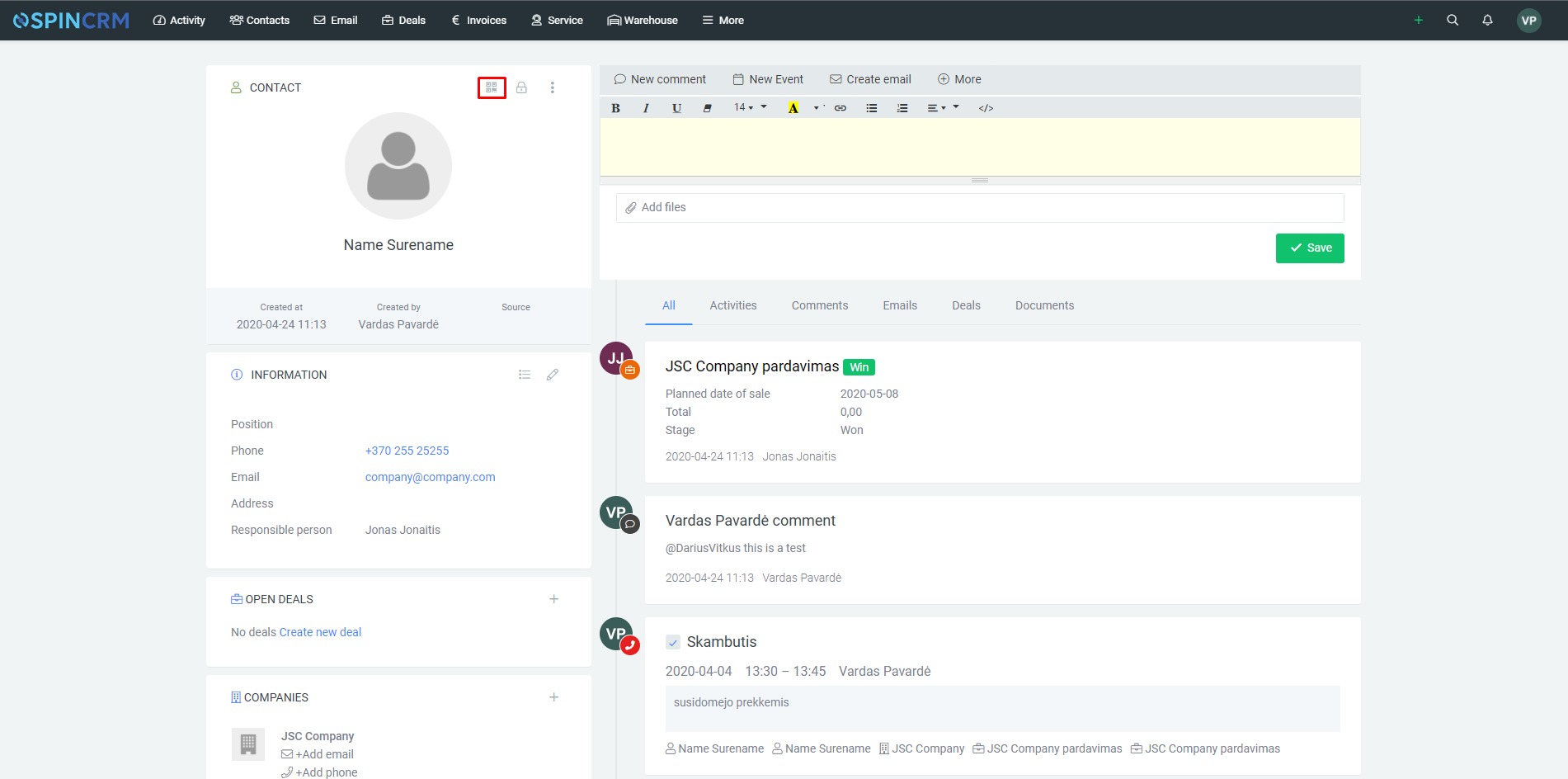
1. Select the desired contact from the contacts list, and open its card;
2. In the contact card, at the top, right, above the name, press the QR code button:
3. Scan the QR code that opens with your smartphone and select the action you want to perform (save a new contact, make a call, etc.)
Important! QR code functionality is only available on the contact card.
Did not find your answer? Write to us